

The operating system for field teams — Verify every field visit before the case moves forward.
Built for Banks & NBFCs running KYC, residence, business and pre-sanction verification. Every case carries its own field executive, photo, location, time and verification history — from assignment to closure.
- The work itself
- Capture on site
- Review and report
- Coordinating the day
The problem
Every organisation runs field work differently.
A bank's pre-sanction check, a recovery visit and a site audit are not the same job, and no two organisations define them the same way. The fields differ, the roles differ, the point at which someone signs off differs.
Most field tools ship one fixed process and ask you to bend yours to fit it. Alpha FieldOS starts from the opposite end: the activity, the form, the workflow and the roles are yours to configure.
The sequence
How a case moves
One sequence, from the activity you define to the report your customer receives. Every step in it is configurable — who does it, what they capture, and what has to be true before it moves on.
Activity
Define the unit of work. A pre-sanction residence check, a recovery visit, a construction milestone audit — each activity carries its own fields, its own roles and its own rules.
ACTIVITY · FV-RESIDENCE
Dynamic forms
Build the form that activity needs. Your standard fields sit alongside customer-specific and bank-specific ones, so a form can differ per client without becoming a separate product.
FORM v4 · 18 FIELDS
Field execution
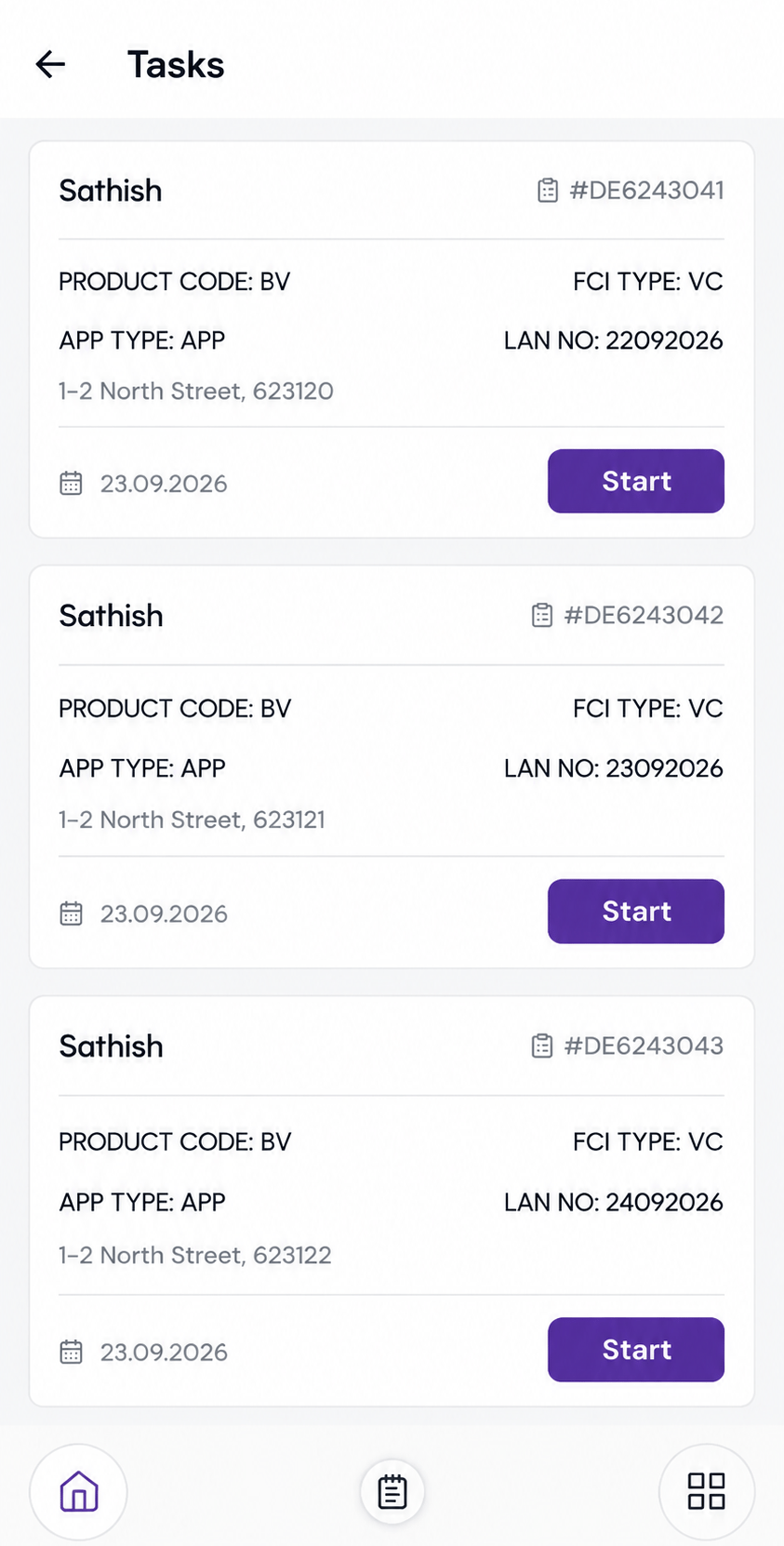
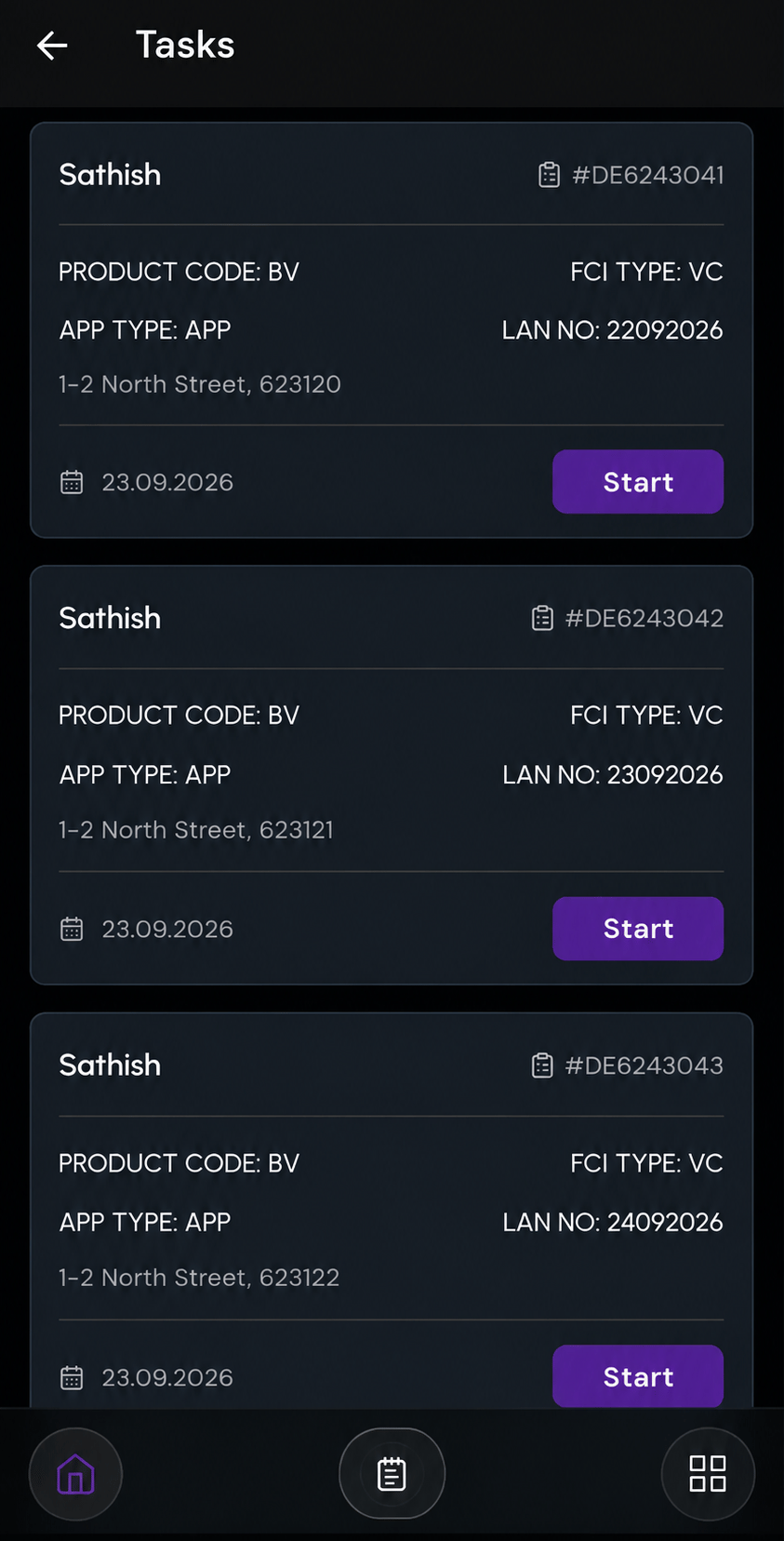
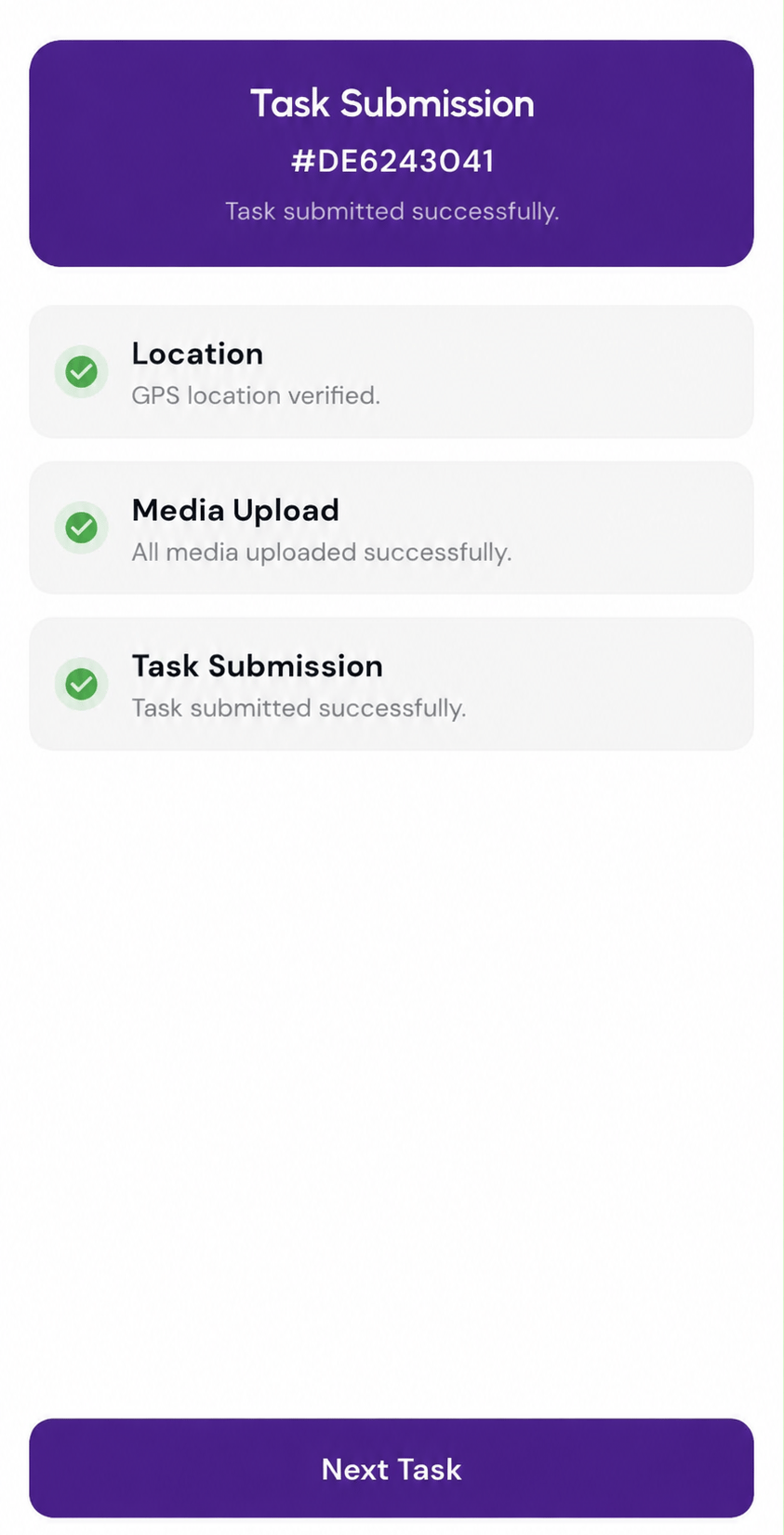
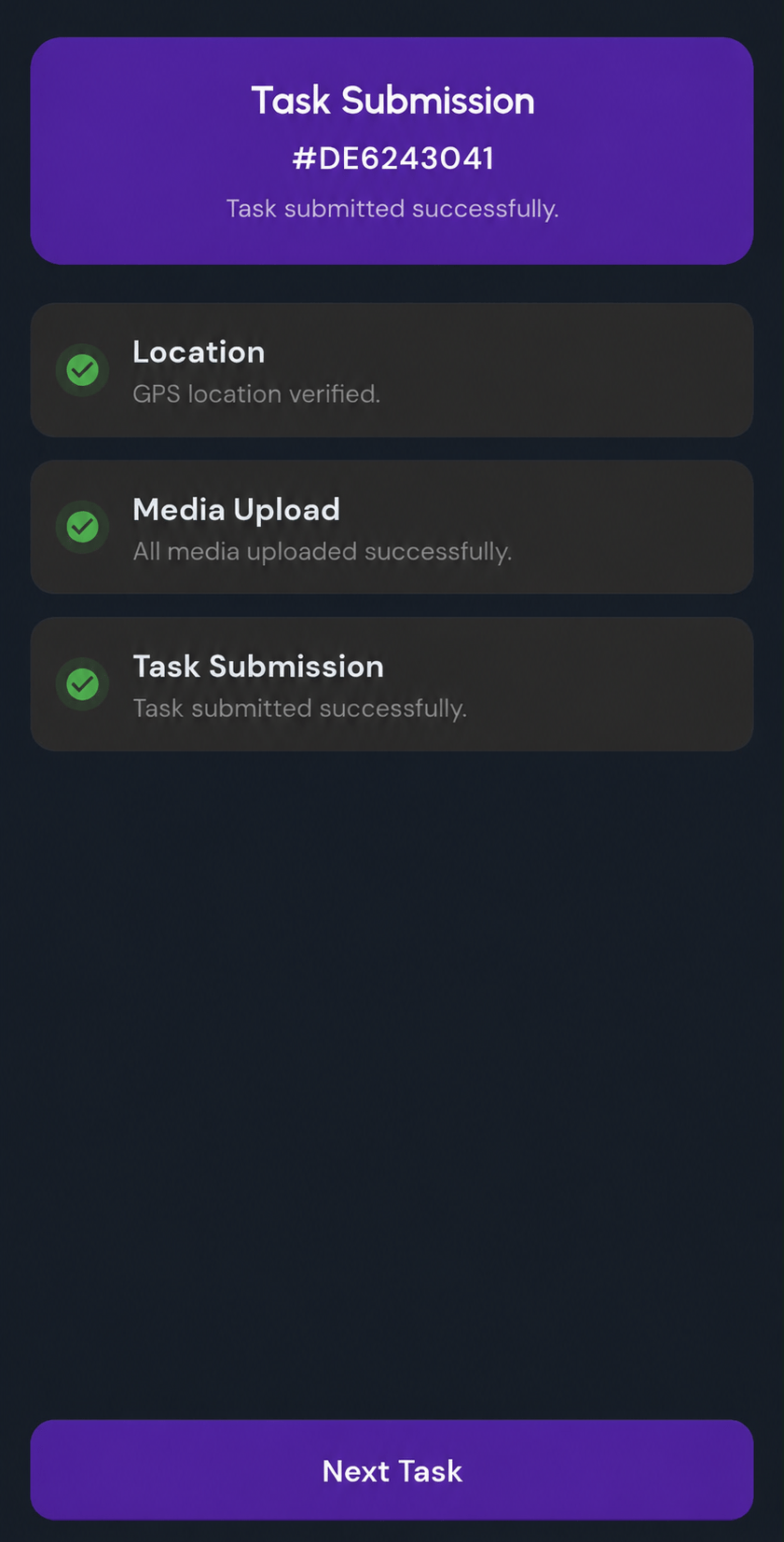
The field executive opens the assigned activity on the mobile application, enters the answers on site, and geo-tags where the visit took place.
9.9252° N, 78.1198° E
Back-office processing
Back-office staff complete what belongs to them — the record lookups and the desk work that never needed a site visit — on the same case.
BACK OFFICE · IN PROGRESS
Validation and review
A reviewer checks the submission against the rules you set. Anything that fails them comes back to a named person with the reason attached, rather than sitting in a queue.
Action requiredSubmission
Once the review passes, the case moves to whichever role your workflow puts next. Where it goes, and who is allowed to move it, is part of the configuration.
ROLE · CREDIT OPS
Customer report
Report generation produces the document your customer expects, in the format they expect it in, from the data the case already holds.
REPORT · FV-4471.PDF
The product
Inside Alpha FieldOS
Three moments from the sequence above, as they actually look — capture in the field, review at the desk, and the document the customer data
Capture it on site
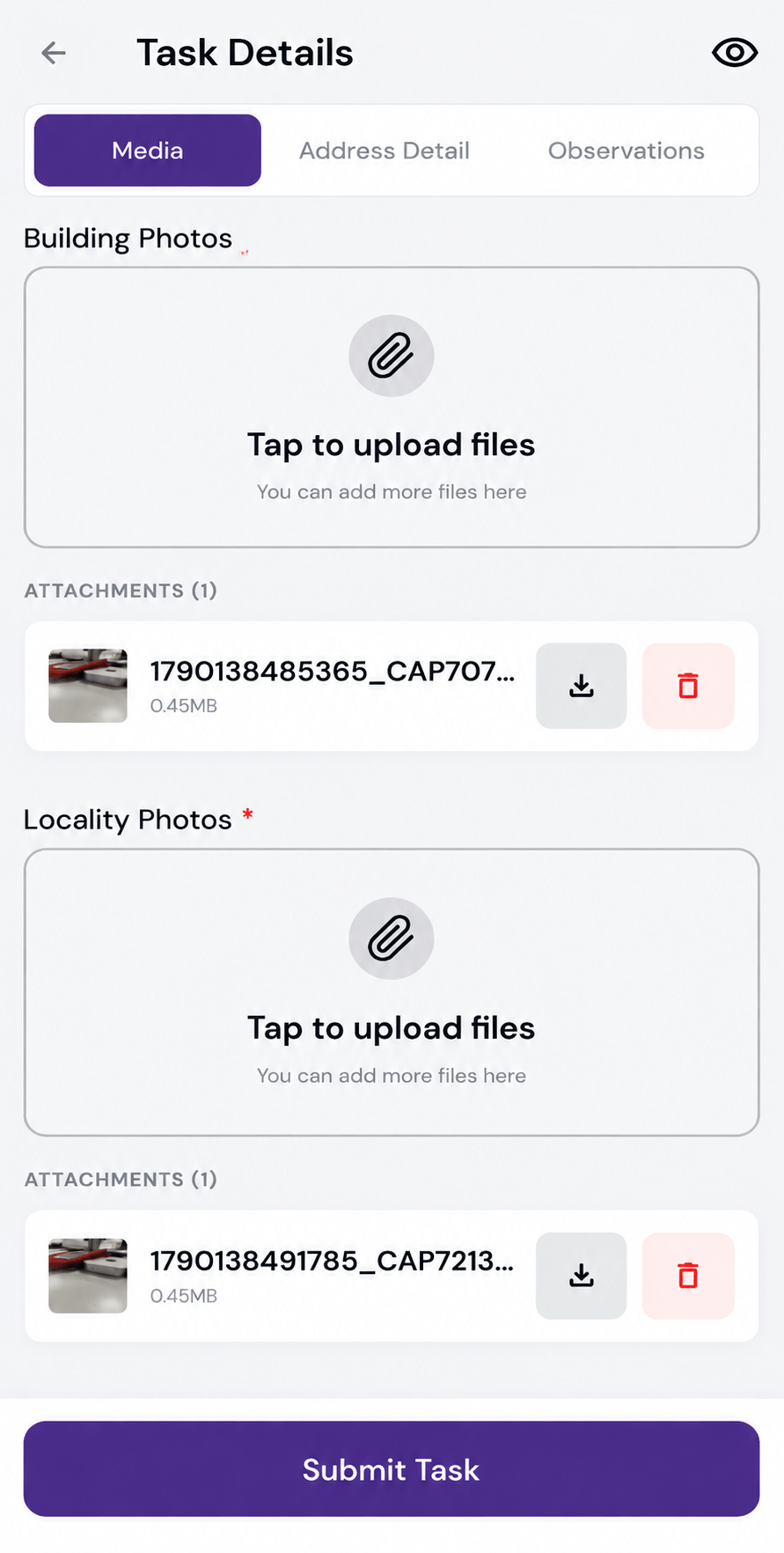
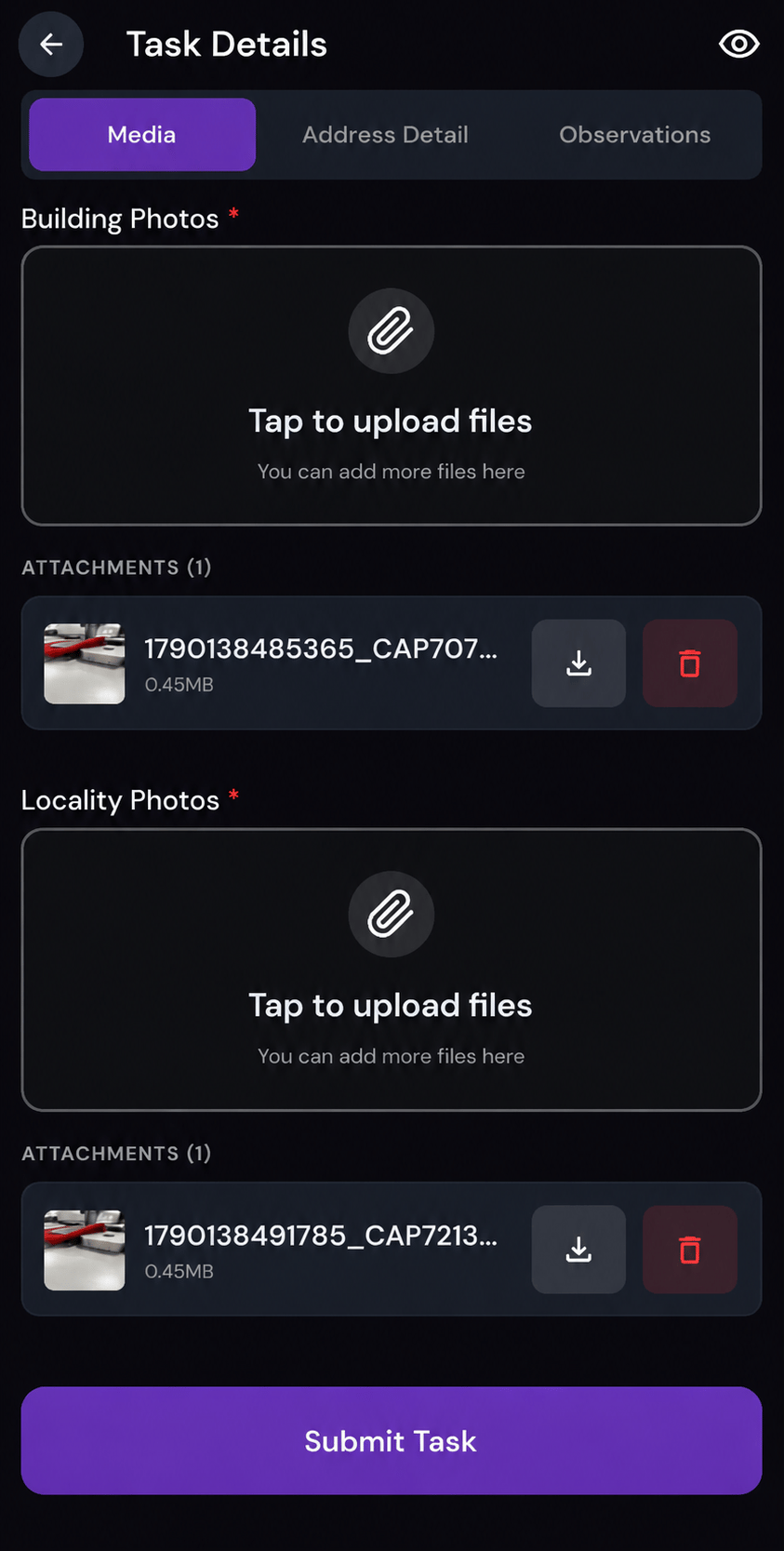
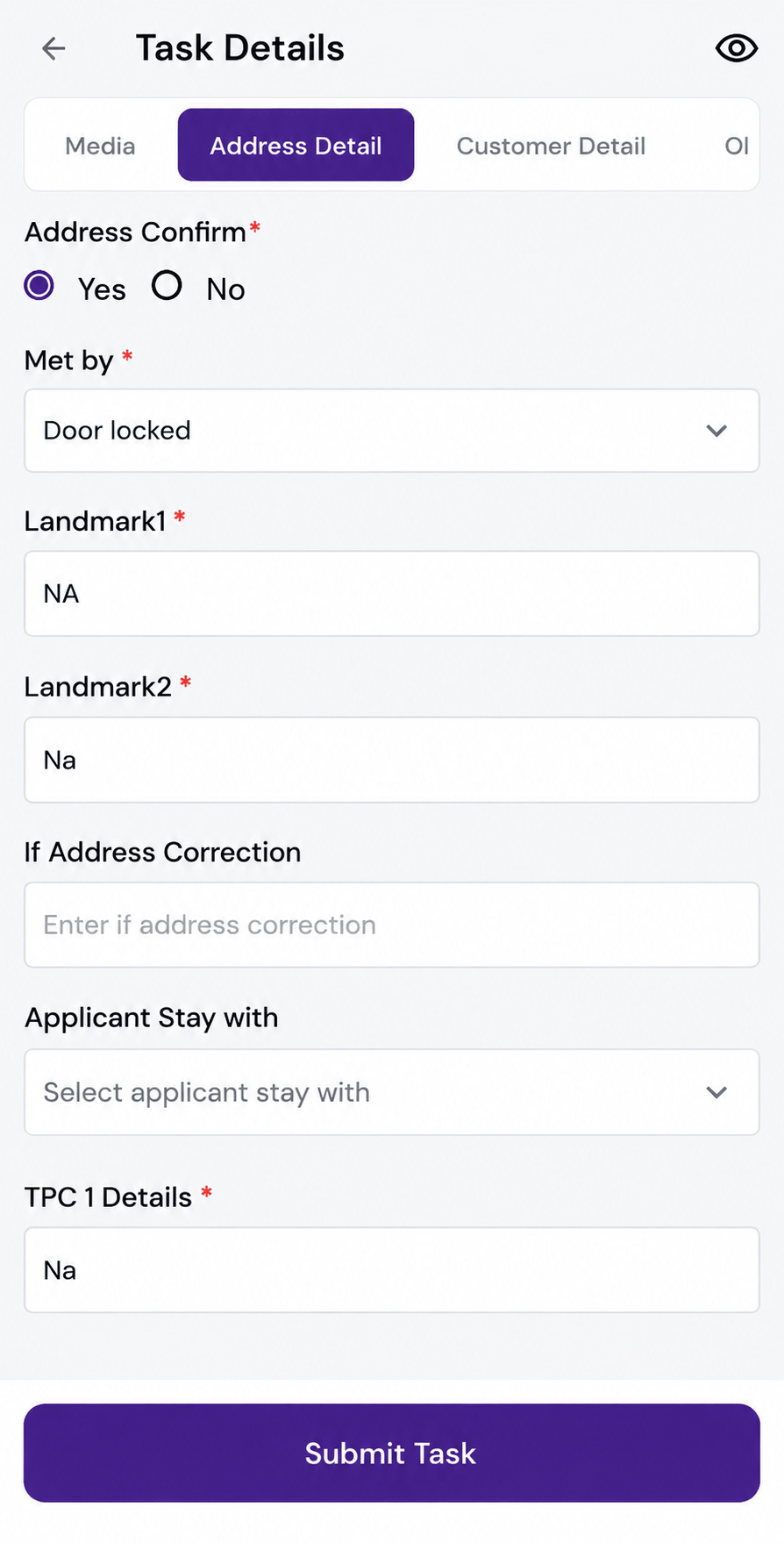
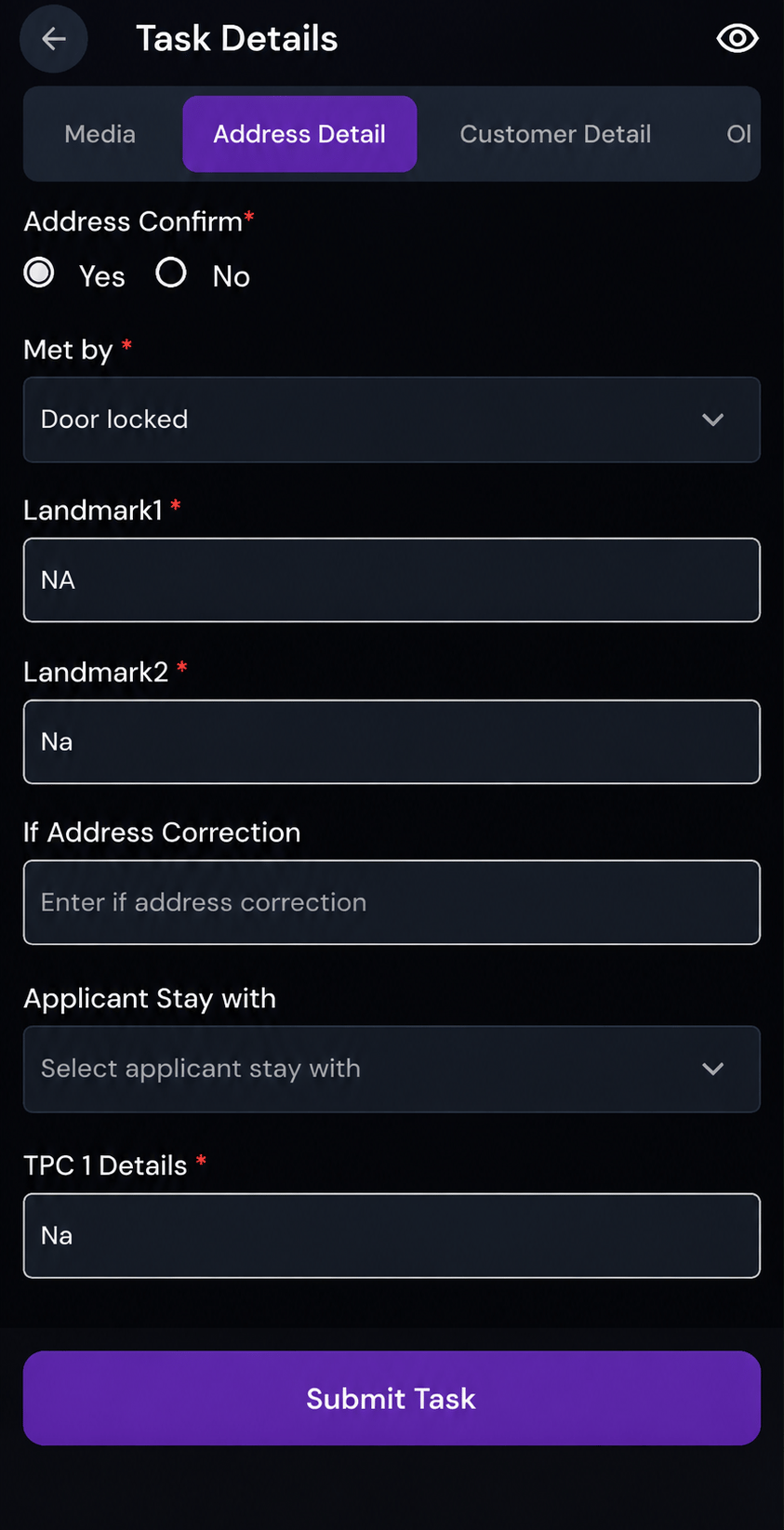
The field executive opens the assigned activity, answers the form on site and attaches the files it asks for. The visit is geo-tagged where it happened.
Review the collected data
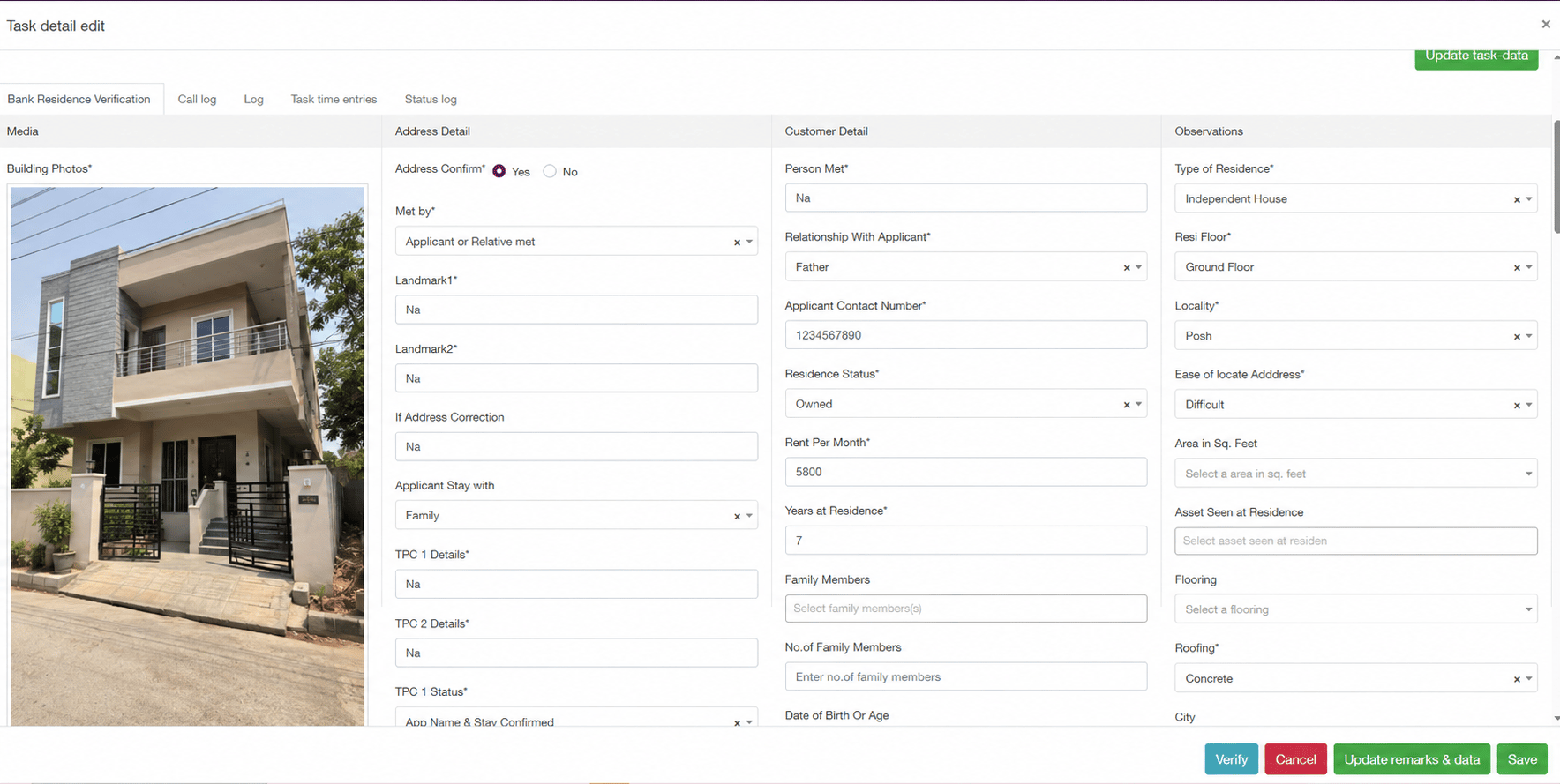
A reviewer opens the submitted case with every answer in front of them — media, address, customer detail and observations — and either verifies it or returns it with remarks.
Produce the customer report
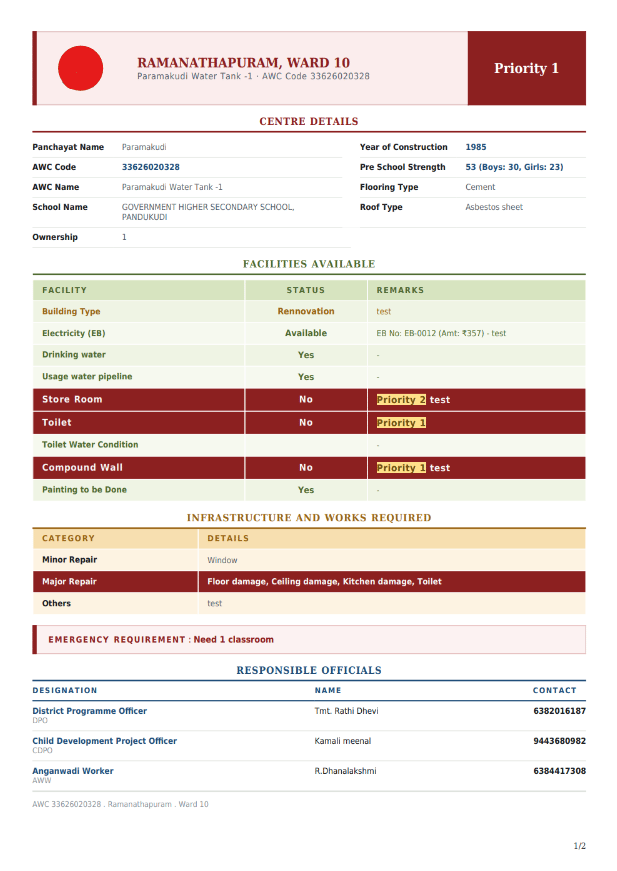
The completed case generates the document your customer expects, in the format they expect, from the data the case already holds.
Configured five ways
One platform, configured five ways
The same engine underneath. What changes is the activity you define, the form it carries and the report it produces at the end.
Banks and NBFCs — KYC and pre-sanction
Activity
Pre-sanction residence verification
CASE FV-4471
Report
Residence verification report → originating branch
Form fields
- Address confirmed on site
- Met by — applicant or relative
- Landmark 1 and Landmark 2
- Applicant stays with
- Third-party check details
Same engine, same configuration model. Only the setup differs.
Capabilities
What you configure
Named by what you control, not by how the system is built. Everything below is set up once and changed without a release.
The work itself
Define what a case is, what it asks, and who is allowed to touch it.
- Configurable activities
- Dynamic forms
- Customer- and bank-specific fields
- Configurable workflow
- Role-based functionality
Capture on site
What the field executive carries and what the visit records.
- Mobile application for field executives
- Field-executive data entry
- Geo-tagging
Review and report
The desk work, the sign-off, and the document at the end.
- Back-office data entry
- Validation and reviewer participation
- Report generation
- Cutomised report templates
Coordinating the day
Knowing which visits are covered, and being able to stand behind where and when each one happened.
- Task assignment
- Field tracking
- Daily executive tracking
- Attendance
- Distance and kilometre tracking
Proven use cases
Who it's for
Alpha FieldOS began in banking field verification and generalised from there. These are the operations it has been configured around.
Banks and NBFCs
KYC, pre-sanction and loan verification
Collections agencies
Recovery visits and field collections
Survey and inspection firms
Field surveys and audits
Construction and site audit
Milestone and site verification
Roadside assistance
Case dispatch and on-site closure
Field sales teams
Lead capture and document collection
Bring us your process.
Tell us how your field work actually runs today — the activities, the forms, the people who sign off. We will show you the same thing configured in Alpha FieldOS.